Apologies for the lateness of this post. Don’t know what happened. I thought I’d scheduled it, but apparently I hadn’t. Or I logged out too soon or something. Anyway, here is the promised post about uploading to Instagram from your pc.
It is not essential to buy, or even use free software to post to Instagram from your pc. Here is how you can do it.
I apologise for the pictures. I don’t have a print screen button on my keyboard, so had to use my camera. For some of them it chose to flash, so there’s a reflection of the flash.
First open Google Chrome and click on the 3 dots at the top right. You should then get this drop-down menu.
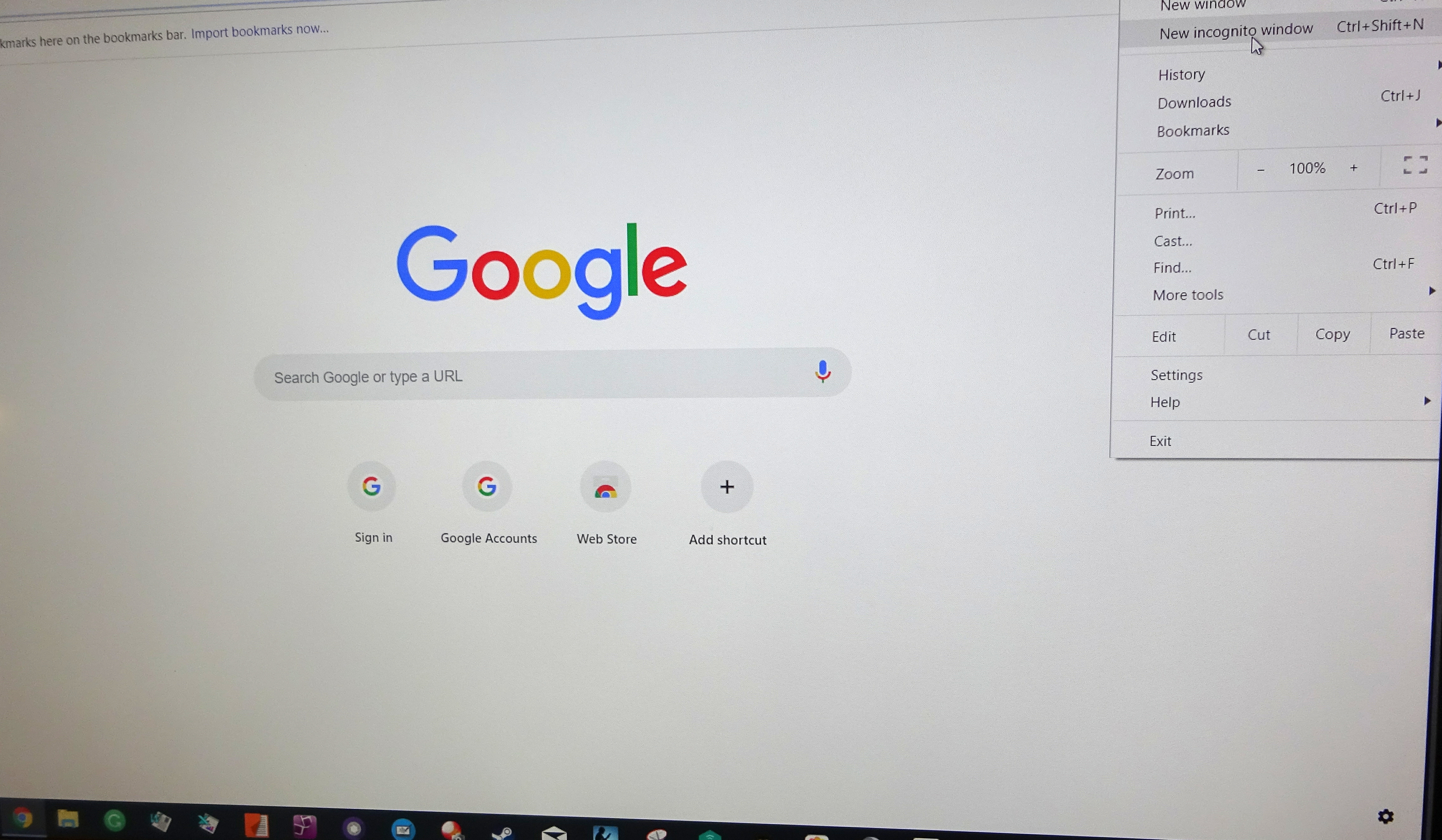
When you’ve done that, the following will appear.
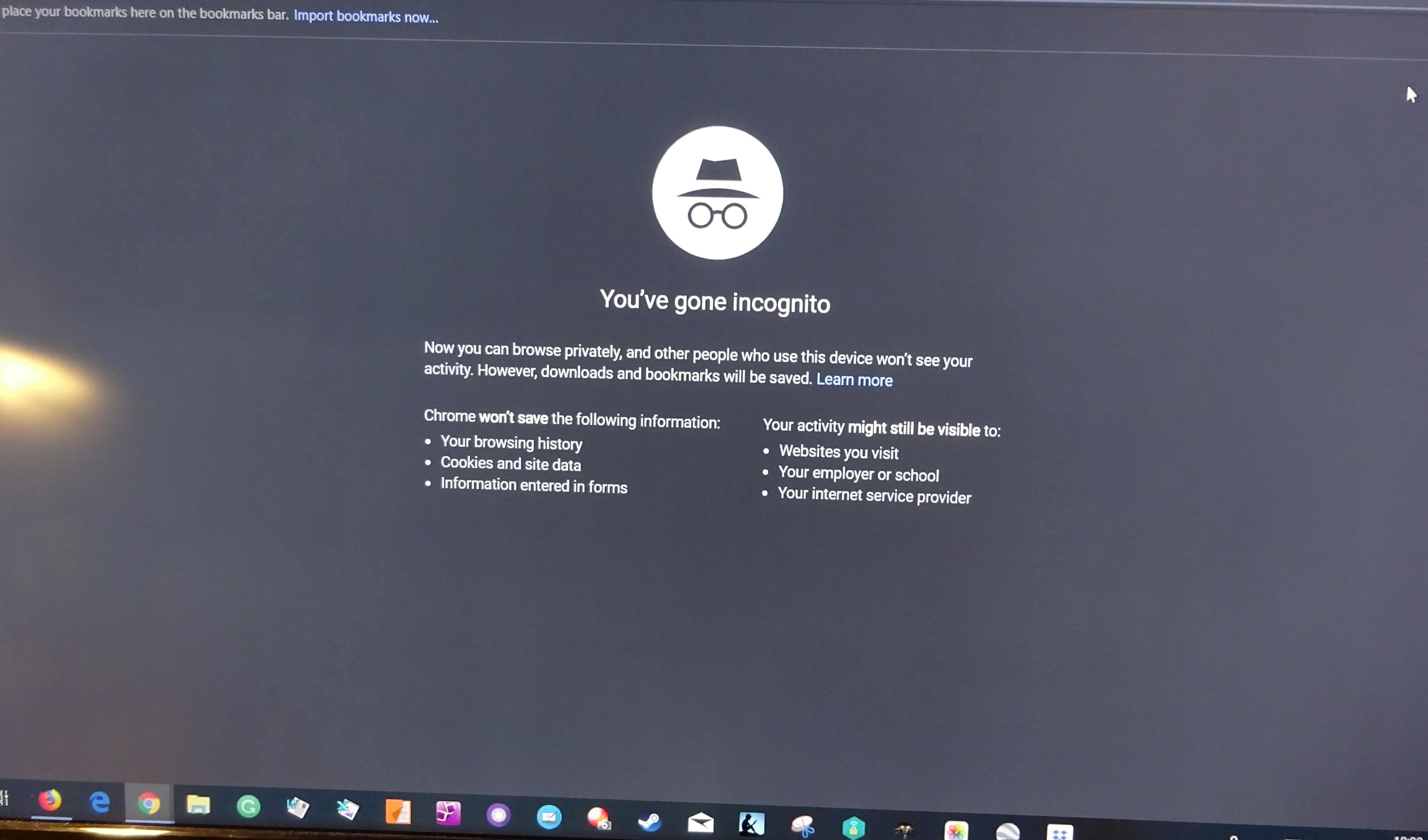
Click again on the 3 dots and you should get the following:
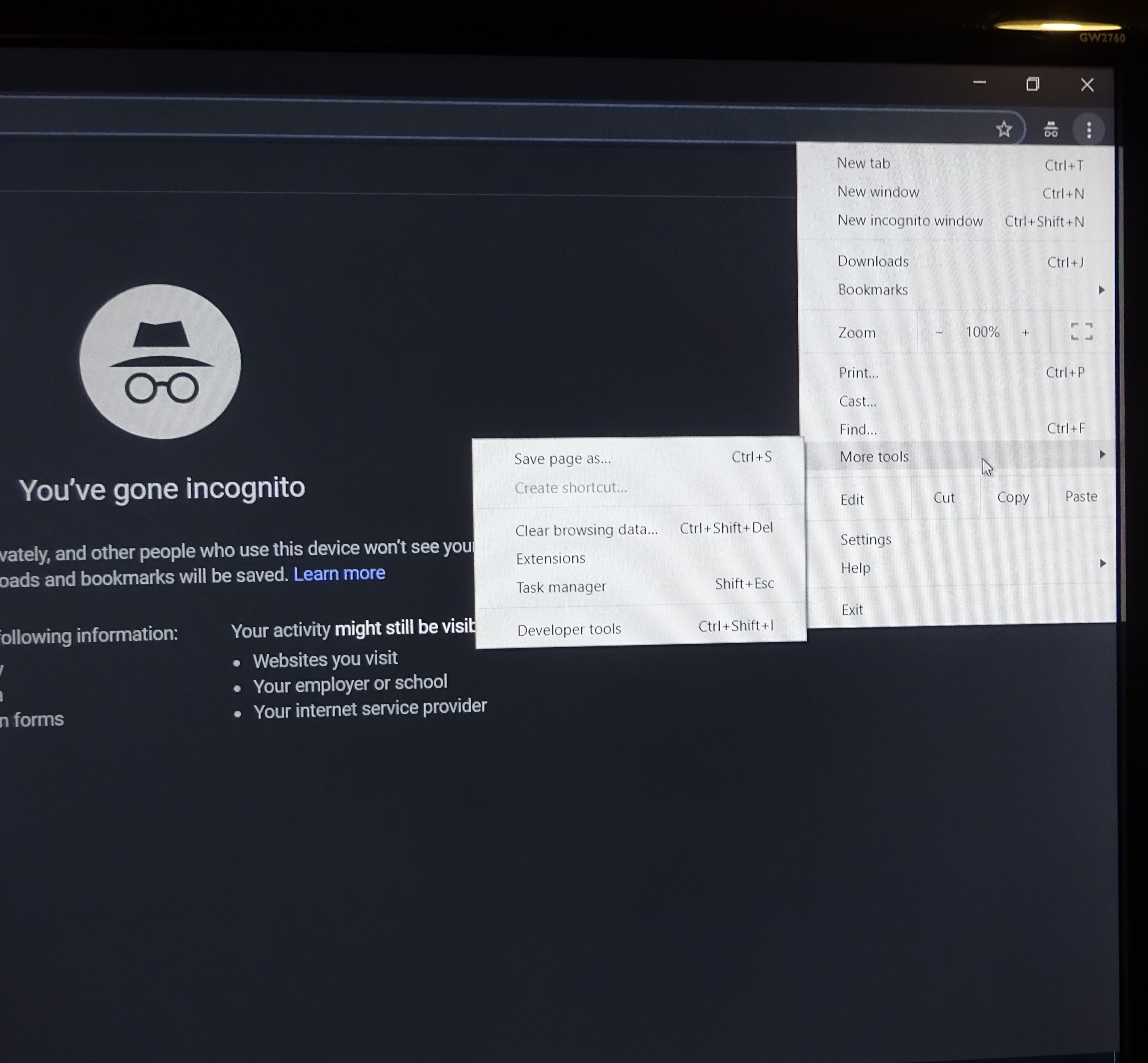
Click on More Tools, then on Developer tools. You will then get this window.
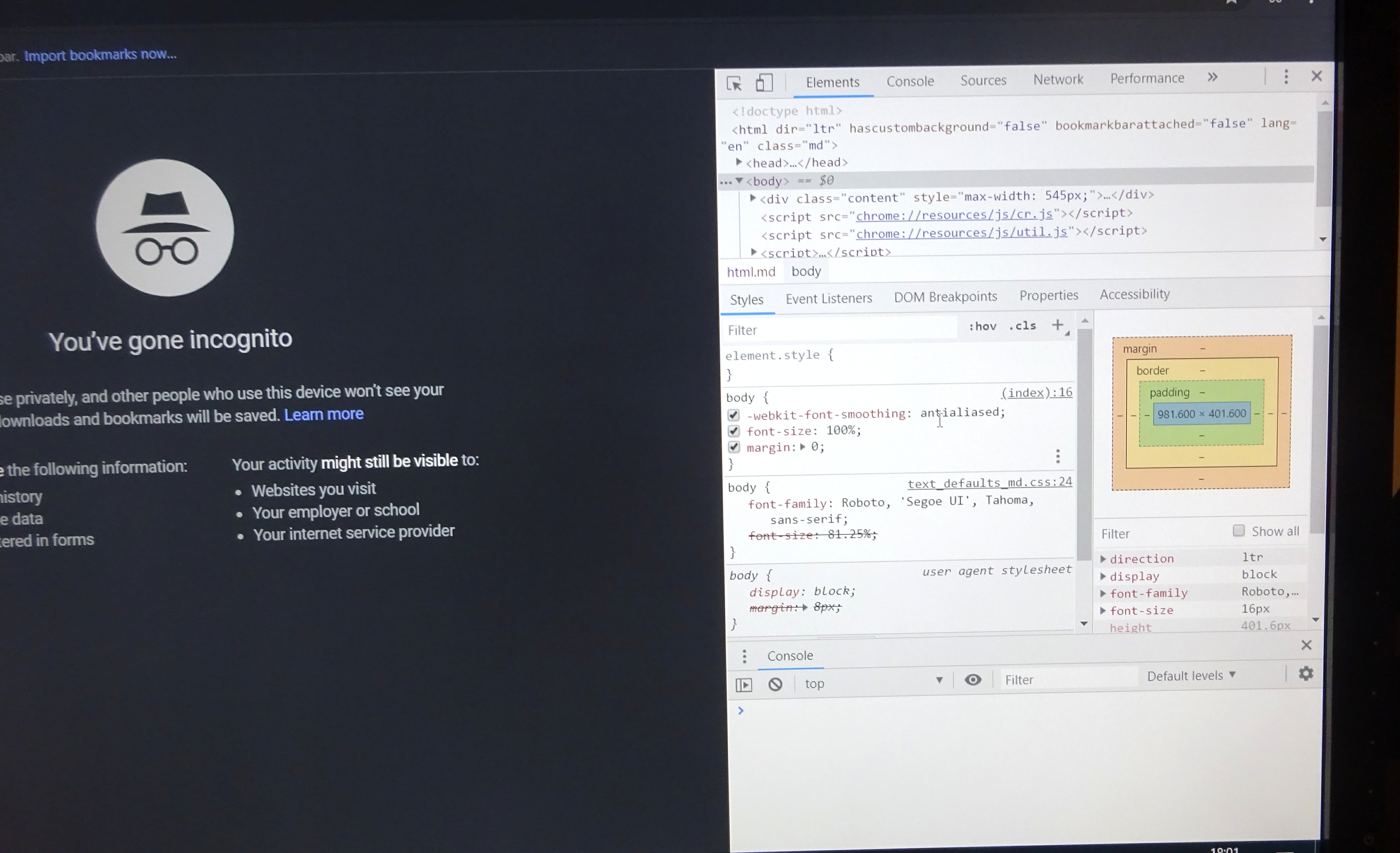
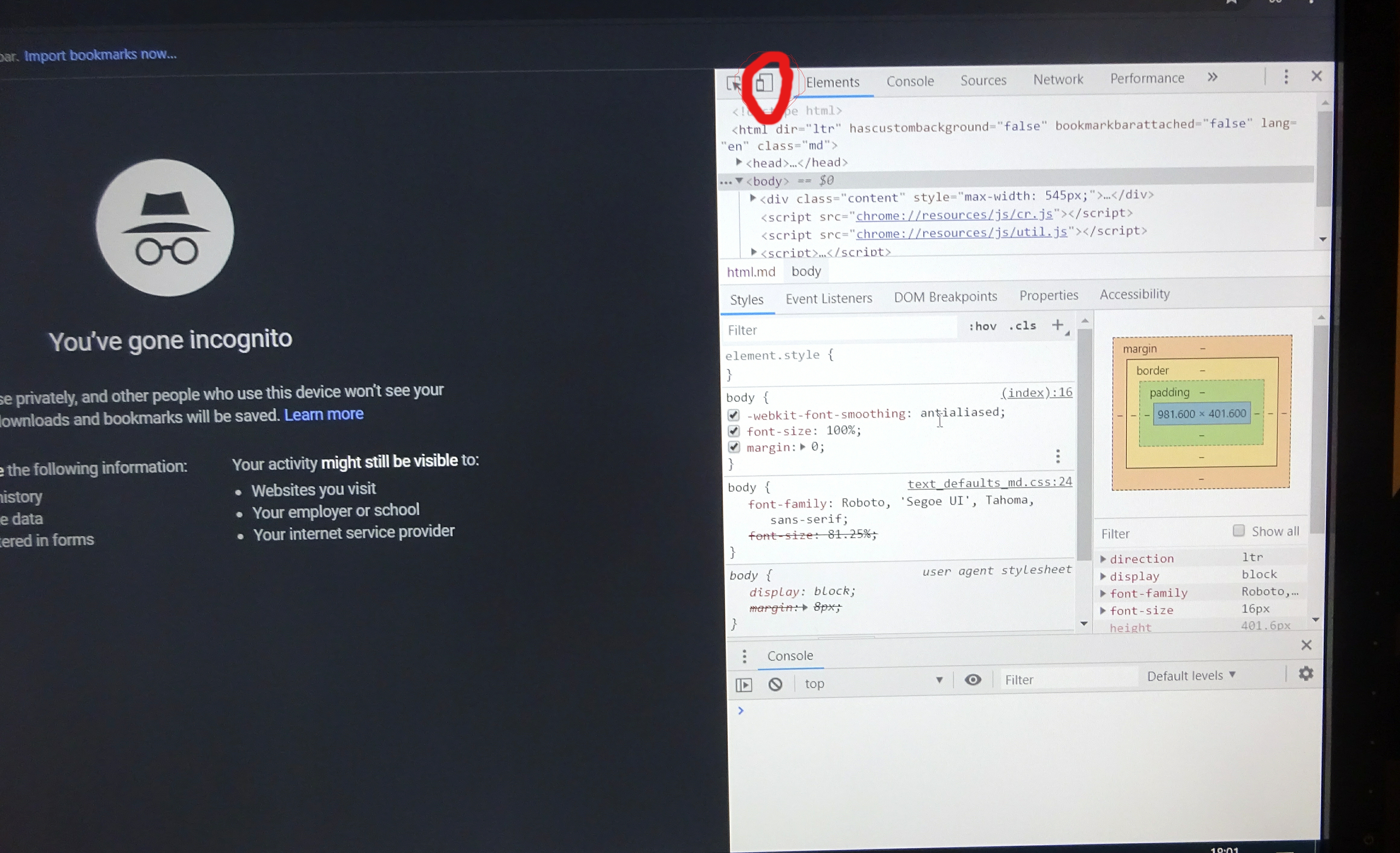
Look at the top and you will see a symbol representing a phone and a tablet. It’s second from the left as shown here. When you click on it itshould turn blue.
Click on the BLUE address that comes up to get this screen.

Click on the x button at the top of the righthand window to close it. Be careful not to accidentally close Chrome or you’ll have to start again!
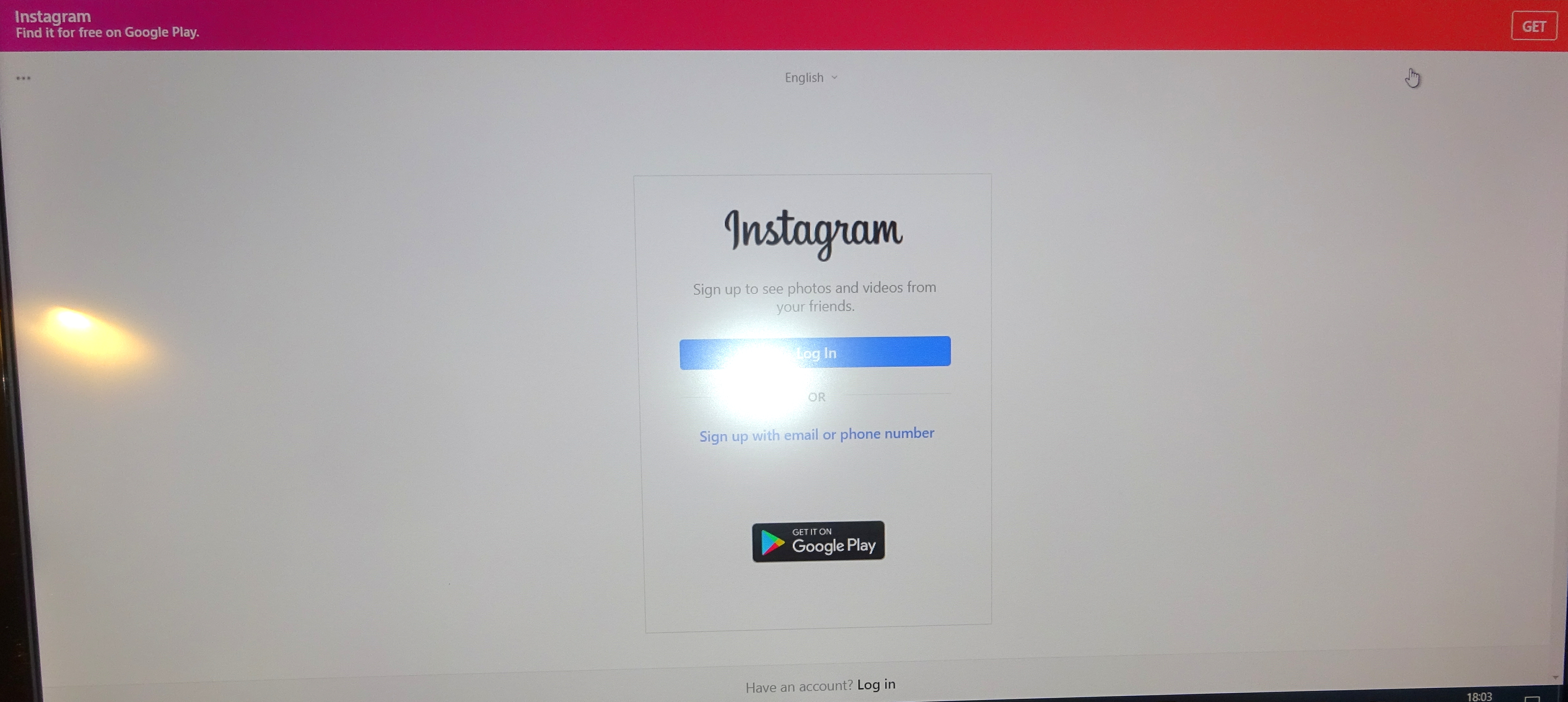
Now you can click on the + sign at the bottom of the instagram window to add your photos from your pc.
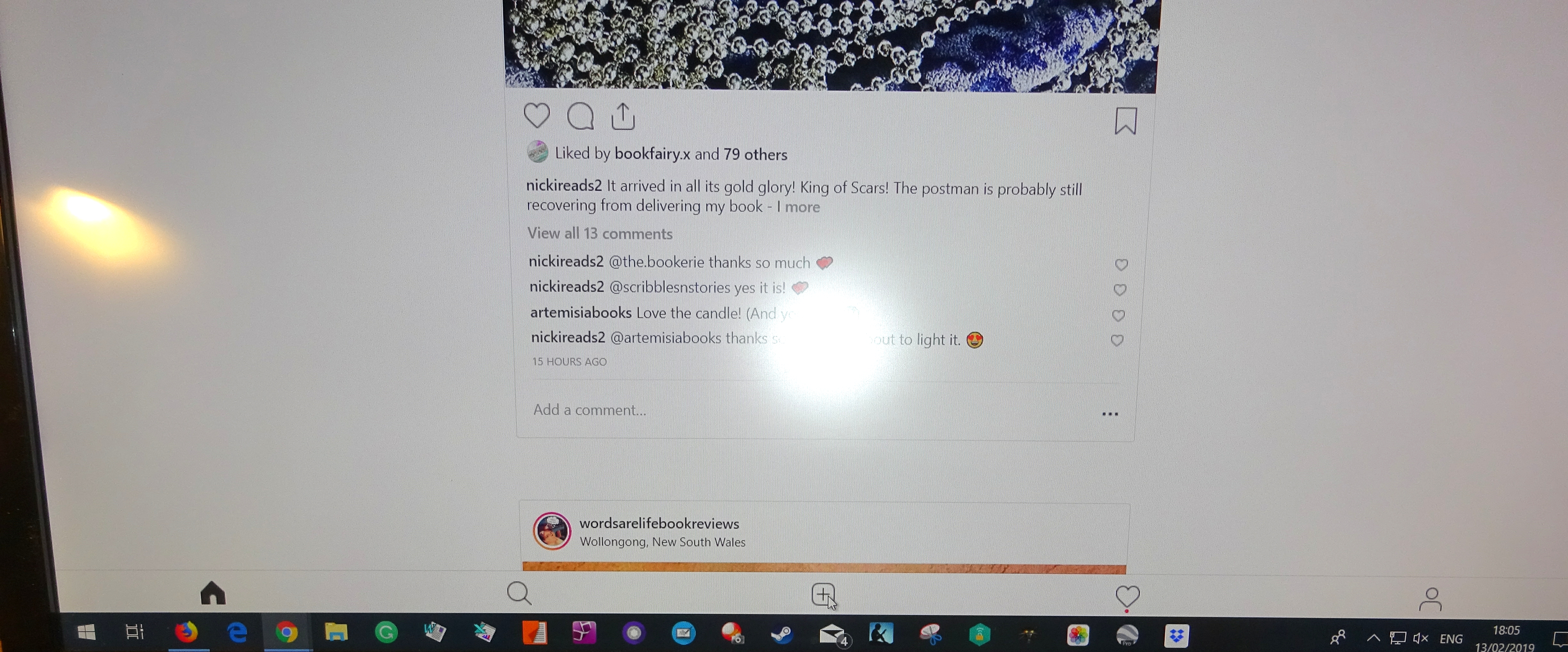
I hope you found this useful. I was delighted when I found I didn’t need additional software, If you want to see what I’ve uploaded from my pc, go to https://www.instagram.com/v.m.sang
If you did find it useful, please add a comment in the box. Or even if you didn’t!
 Dragons Rule OK. V.M.Sang (author)